HTML conversion REST API
Automate HTML to PDFScreenshotPDFScreenshotConversion
PDF
Screenshot
PDF
Screenshot
Integrate our API and get PDF or screenshot documents generated with ease.
Start freeorFeatures
Powerful, feature-rich & composable
PDF Generation
HTML & URL to PDF
Convert HTML strings or URLs into high-fidelity PDFs using a Chromium-based rendering engine with full JavaScript ES6+ and modern CSS support.
PDF/A Archival
Generate PDF/A-1b, 2b, and 3b output for long-term archival. Turn on the optional veraPDF check and a file that does not pass is rejected instead of returned.
PDF/A guideE-Invoicing
Create Factur-X and ZUGFeRD hybrid e-invoices with embedded structured XML data, supporting EN 16931 profiles from minimum to extended.
E-invoicing overviewPDF Encryption
Protect your documents with user and owner passwords, controlling access and permissions for viewing, printing, and editing.
Watermarks
Add text or image watermarks with full control over font, color, opacity, rotation, position, and repeat patterns.
PDF outline & metadata
Optional PDF outline (navigation pane bookmarks) from document headings via Chromium when enabled in the API, plus standard PDF metadata fields.
Accessible PDFs (PDF/UA)
Generate tagged PDFs targeting PDF/UA-1 (ISO 14289-1) with structure trees for screen readers, and optional VeraPDF validation of the machine-checkable accessibility rules. Relevant under the European Accessibility Act, which reaches the documents a service hands to its users, not just the website. Combines with any PDF/A level, so one call can return a file that is archival and accessible.
Accessible PDF overviewLayout Control
Choose from standard sizes (A0-A6, Letter, Legal) or custom dimensions. Configure margins, orientation, headers, footers, page ranges, and scale.
Paged layouts (documented workflows)
PolyDoc does not ship a built-in CSS Paged Media engine. You can load tools such as Paged.js or Vivliostyle in your HTML; our docs explain how, and the API supports waits, preferCSSPageSize, and print vs screen CSS (see Rendering control).
Screenshot Capture
HTML & URL to Screenshot
Capture pixel-perfect screenshots from HTML or URLs in PNG, JPEG, or WebP formats with configurable quality.
Full-Page & Clip
Capture entire pages or specific regions with precise clip coordinates. Support for transparent backgrounds.
Custom Viewports
Set any viewport width, height, and device pixel ratio up to 10x for pixel-perfect, high-resolution captures.
Developer Tools
Rendering control
Inject CSS and JavaScript, wait for a selector or custom function, set render.mediaType to print or screen, and optionally block ads and trackers with render.blockAds for cleaner, faster URL captures.
Templates
Create and manage HTML templates with a built-in Monaco editor. Use Liquid syntax for variables and loops with dynamic JSON data.
Webhooks
Receive conversion results asynchronously via webhooks with HMAC-SHA256 signed payloads, configurable retries, and custom headers.
Your cloud (presigned URL)
Have the finished PDF or screenshot uploaded straight into your bucket or object store using a presigned PUT URL you create. That keeps outputs in infrastructure you control and fits our privacy-first approach: we focus on conversion, not hosting your files.
Sandbox Mode
Test your integration risk-free with sandbox conversions that don't count toward your quota. Sandbox quota is 10x your production limit.
Dashboard & Playground
Manage API keys, edit templates, monitor conversions with analytics and charts, and test conversions live in the playground.
Conversion tags
Tag conversions with custom labels for filtering, grouping, and analyzing your usage patterns in the dashboard.
Security & Infrastructure
Privacy by Design
Stateless architecture ensures your data is never stored after conversion. Each rendering runs in an isolated environment.
Encryption & Compliance
Encrypted in transit and at rest, with isolated rendering. How we process data is described in our Privacy Policy and Data Processing Agreement (including GDPR-related information).
EU Data Residency
All servers, storage, and data processing run in the EU (Germany), and every infrastructure sub-processor is EU-based. Your content stays in the EU/EEA and is never transferred outside it.
Scalable Infrastructure
Auto-scaling infrastructure that reliably handles high loads and peak traffic, ensuring fast and consistent conversions.
Pricing
Start for free, upgrade as you grow
* See 5th, 6th & 7th question in the FAQ section below for more information about conversions, timeouts and overage policy.
All plans include
PDF
- PDF/A (1b, 2b, 3b)
- E-Invoicing (Factur-X / ZUGFeRD)
- Custom Header & Footer
- Watermark (Text & Image)
- Encryption
- Metadata
- PDF outline (bookmarks, Chromium)
- Tagged / Accessible PDFs (PDF/UA-1)
- Custom Page Sizes
Screenshot
- PNG, JPEG & WebP
- Full-Page Capture
- Clip Region
- Custom Viewports & Pixel Ratio
- Base64 Encoding
Rendering
- CSS & JavaScript Injection
- Web Fonts
- waitForSelector / waitForFunction
- Print vs screen CSS (
render.mediaType) - CSS page size mode (
preferCSSPageSize) - Docs: Paged.js / Vivliostyle in HTML
- URL authentication
Delivery
- Webhooks (HMAC-SHA256 signing)
- Your cloud (presigned URL)
Developer Tools
- REST API
- Sandbox Mode
- Conversion Tags
- Dashboard & Playground
- Conversion analytics
Your cloud (presigned URL)
- AWS S3
- Google Cloud Storage
- Microsoft Azure Blob Storage
- Backblaze B2
- Wasabi
- Rabata.io
Templates
- HTML Editor
- Variables & Loops (Liquid)
Integrations
- 20+ step-by-step automation tool guides (Make, Zapier, n8n, and more). Full list in the footer
Templates
Ready-to-use examples and flexible customization
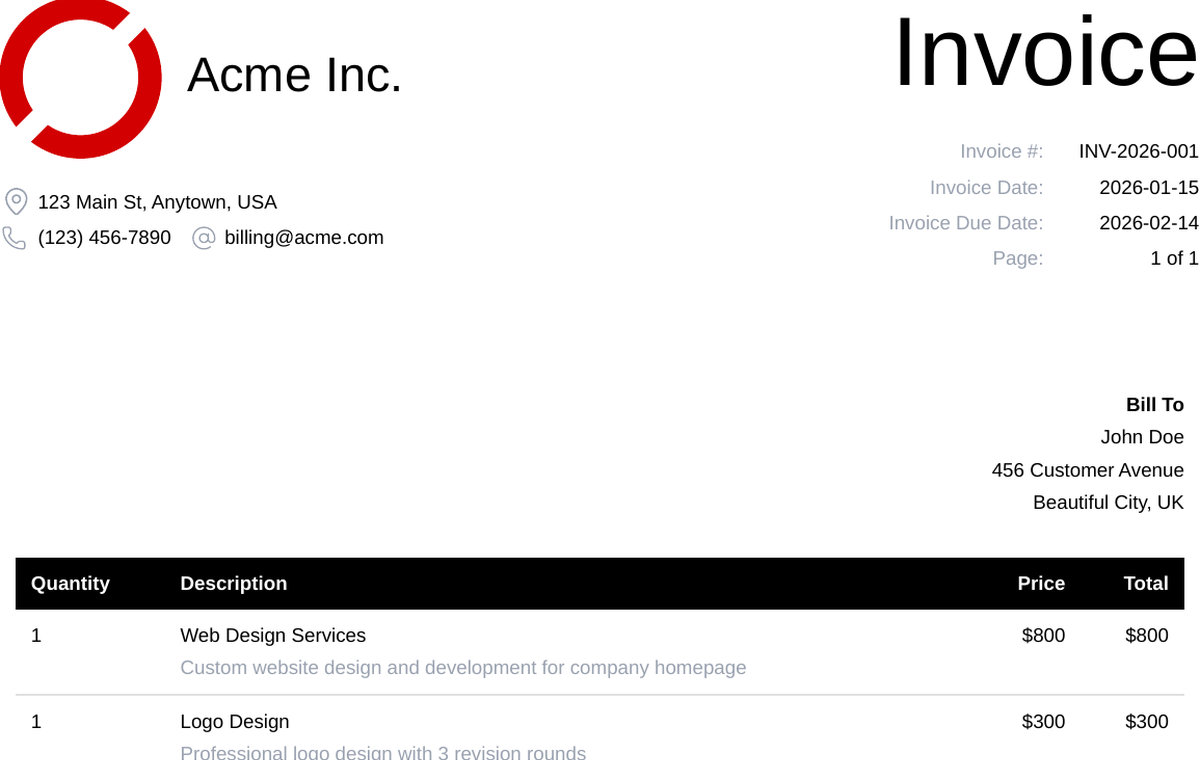
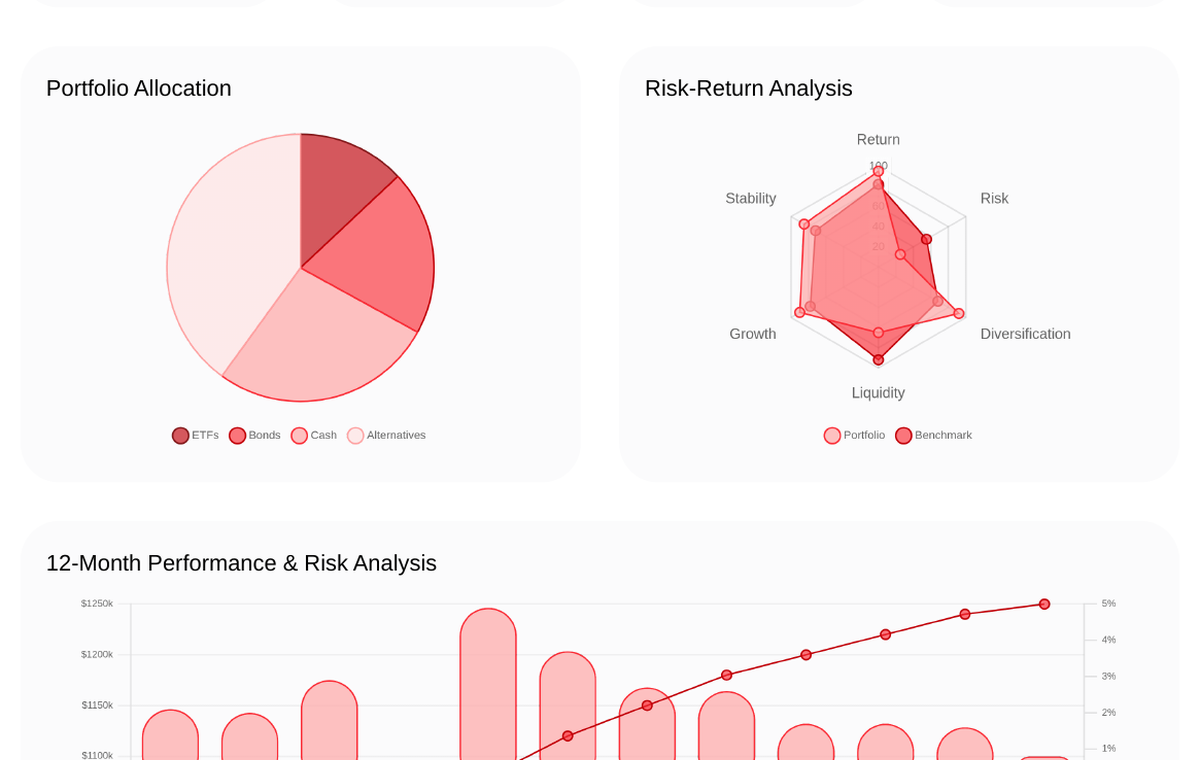
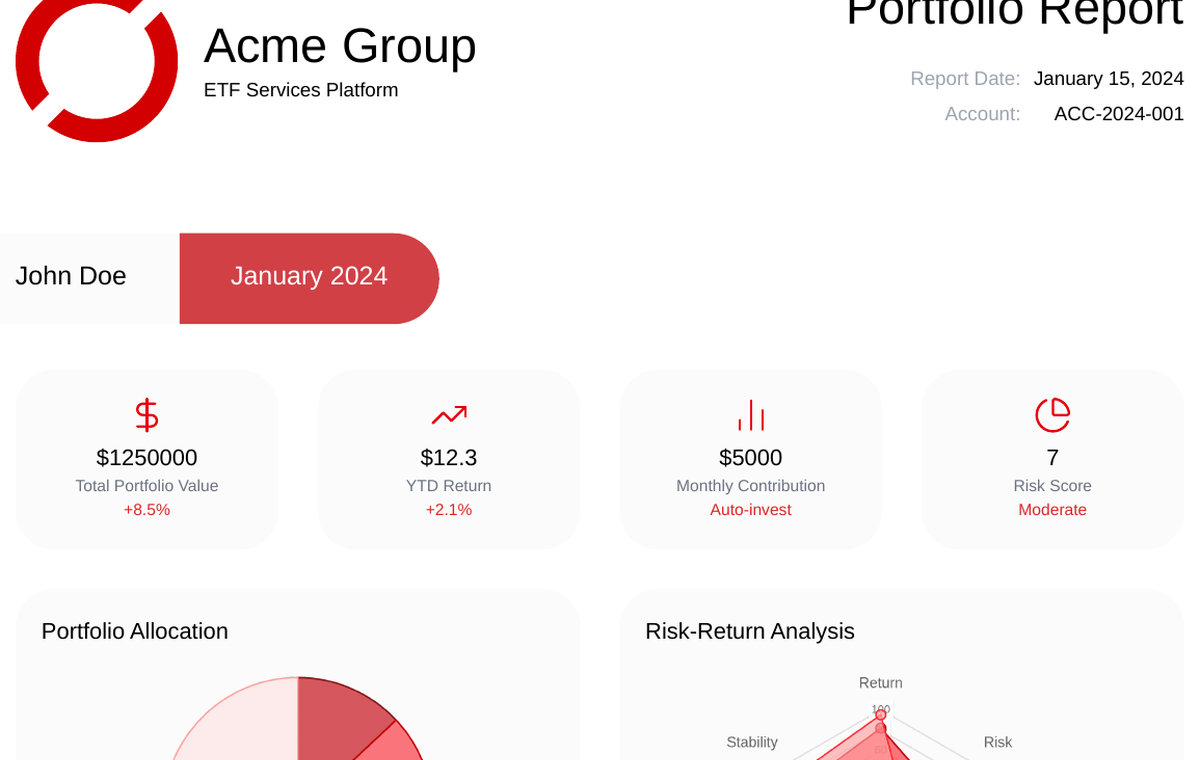
Start with built-in templates for invoices, reports, tickets, statements, and banners, then adjust them to match your exact layout and brand.
Invoice
Charts
Report
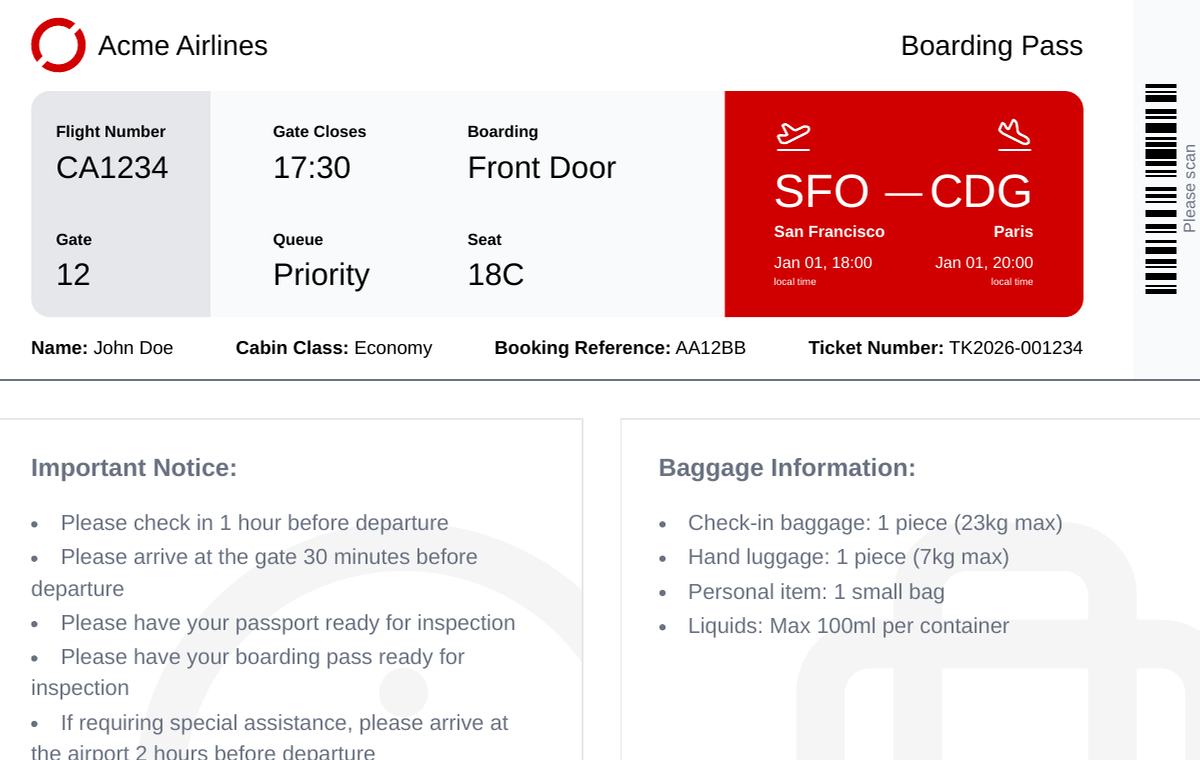
Tickets
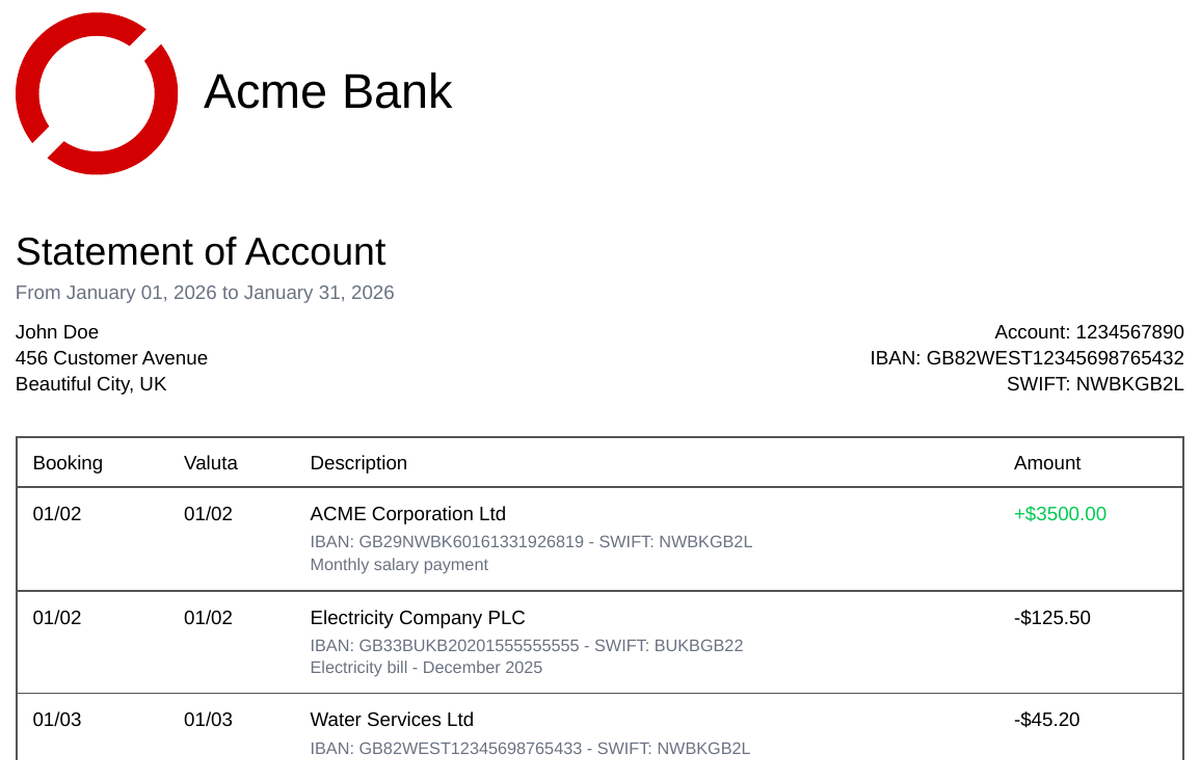
Statements
Create your own templates with HTML editor, use variables and loops for dynamic data, and generate consistent PDF or screenshot outputs at scale.
More in the templates guide.
FAQs
Any other questions?